TL;DR
- AR remote assistance is see-what-I-see video plus annotations that stick to the equipment — "the one I circled" replaces ten minutes of verbal description.
- The economics run on expert leverage: your scarcest people stop traveling to look at things and start supporting many sites a day.
- Phone-based sessions need zero new hardware, which is why field service is where AR usually pays for itself first.
- Buy an off-the-shelf platform for standard needs; build custom when the capability belongs inside your own app and systems.
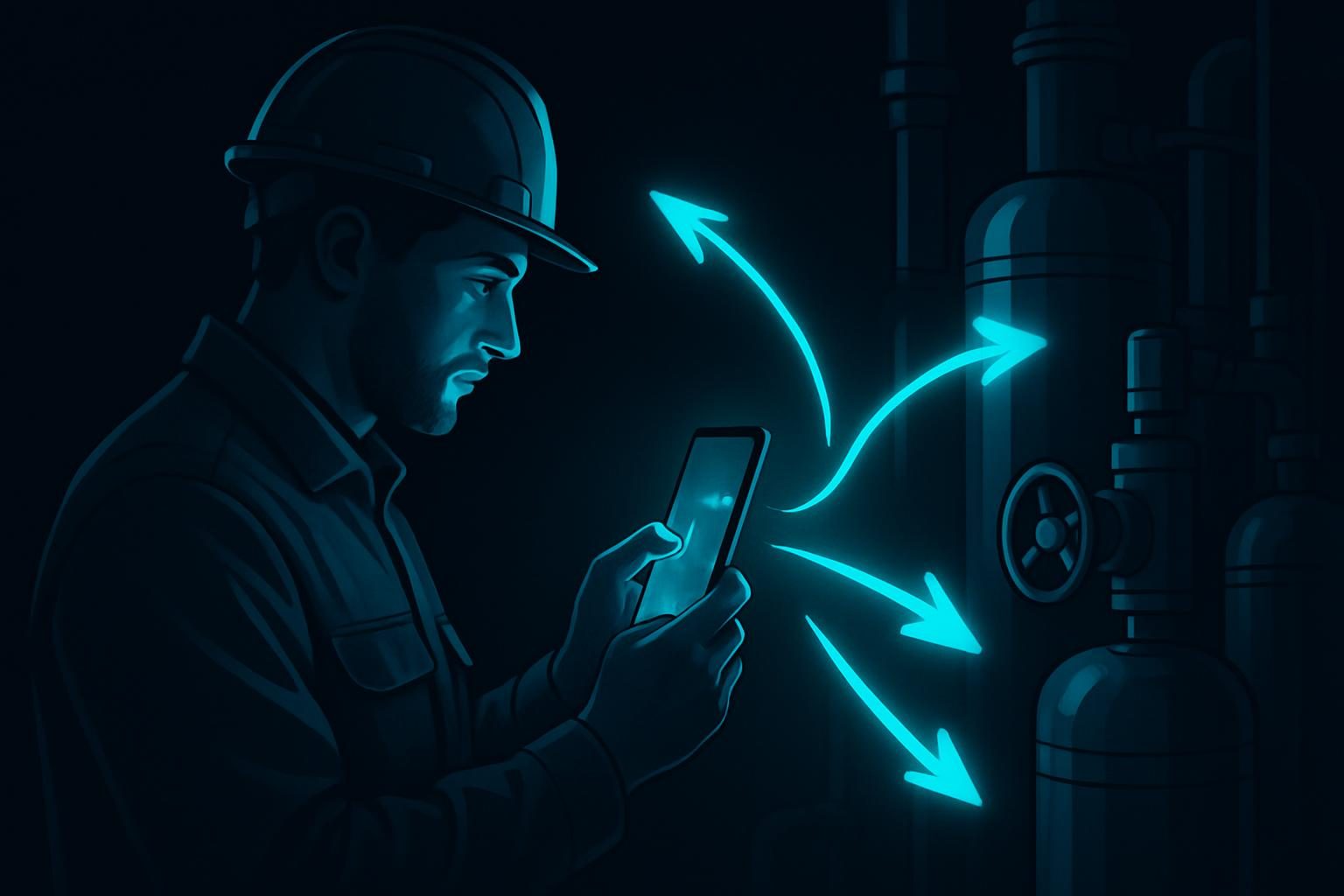
Every field service organization has the same bottleneck wearing different faces: the one engineer who really knows the chiller, the compressor, the control cabinet — and the queue of job sites waiting for that person to physically arrive. AR remote assistance attacks the bottleneck directly. The junior tech points a phone at the problem; the expert sees it, circles the faulty component, and the fix happens on the first visit. No flight, no second truck roll, no "describe the label to me again."
How a Session Actually Works
A technician on site opens a session from a phone, tablet, or head-mounted camera. The remote expert sees the live view and — this is the part that separates AR from a plain video call — works inside it:
- Anchored annotations. The expert draws an arrow on a specific valve, and the arrow stays on that valve as the camera moves. "This one" finally means one thing.
- Freeze, zoom, and inspect. The expert can freeze the frame and study it while the technician puts the phone down and gets tools.
- Shared documents in view. A wiring diagram or spec sheet pinned next to the live scene, not read aloud over the phone.
- A recorded trail. Annotated captures from the session become the service record, the customer evidence, and — quietly — training material for the next technician.
Where the Money Is
The business case rests on structural arithmetic rather than vendor percentages. Some fraction of your expert site visits exist only to look at something; those trips can disappear entirely. Some fraction of failed first visits happen because diagnosis-by-phone sent the wrong part or the wrong skill level; remote inspection before dispatch shrinks that fraction. And every session quietly trains the field tech who watched the expert work — the same guided-doing effect that powers AR work instructions on the factory floor. Which lever dominates depends on your mix: travel-heavy organizations save trips; dense service territories gain first-time-fix rate. Run your own numbers on trips per month where the expert touched nothing.
Hardware: Start With What's in the Truck
Phones and tablets carry most deployments — technicians already have them, and a phone on a cheap tripod handles the majority of inspection and guidance scenarios. Head-mounted cameras and MR headsets enter when the technician needs both hands on the work while being guided: live electrical work, heavy disassembly, confined spaces. The pattern that works is the same one we recommend across AR deployments generally: prove the workflow phone-first, then upgrade the specific roles where hands-free guidance earns the hardware cost.
Buy a Platform or Build Your Own?
Off-the-shelf remote-assistance platforms are mature, licensed per seat per month, and the right answer when your needs are standard and your user count is modest. Custom becomes the better answer in three situations: the capability needs to live inside your own field app (one login, one tool, session records flowing into your ticketing and asset history); your users are many and occasional, where per-seat licensing costs more than owning the software; or the workflow is genuinely nonstandard — guided procedures, custom checklists, or integration with equipment data. As an anchor, custom mobile development runs $20,000–$30,000 at our published pricing, and a remote-assistance capability built into a field service app behaves like that class of project. For teams whose collaboration needs go beyond assistance calls — shared model review, multi-party site walkthroughs — the adjacent pattern is mixed reality collaboration, which we've written about in the construction context.
Rollout Notes From the Field
- Connectivity is the real constraint. Job sites have dead zones; pick tooling that degrades gracefully to stills-plus-annotations on weak links.
- Make it the easy path. If starting a session takes more taps than calling the expert's cell, techs will call the cell. One button, inside the app they already use.
- Set expert hours. Leverage cuts both ways — without a rota, your best engineer becomes an all-day hotline.
- Mind customer privacy. Sessions record customer sites; retention rules and consent belong in the rollout plan, not the postmortem.
Frequently Asked Questions
What is AR remote assistance?
AR remote assistance is a live video session where a remote expert sees exactly what an on-site worker sees — through a phone, tablet, or headset camera — and guides them with annotations anchored to the equipment itself. The expert can circle a valve, draw an arrow on a connector, or pin a document into the shared view, and those marks stay locked to the physical object as the camera moves. It turns "describe what you're looking at over the phone" into "I can see it; touch the one I've circled."
How is AR remote assistance different from a normal video call?
Three capabilities separate it from FaceTime or Teams. Anchored annotations: the expert's marks stick to the equipment, not the screen, so "this bolt" stays unambiguous as the camera moves. Spatial context: freeze-frame, zoom, and flashlight control let the expert inspect properly instead of directing camera work by voice. And session records: calls produce annotated captures that become documentation, training material, and proof of what was done. On a normal video call, every instruction is a verbal description that can be misheard.
What does AR remote assistance cost to deploy?
Off-the-shelf platforms are typically licensed per user per month, which suits teams whose needs are standard. Custom builds make sense when you need the capability inside your own app, integrated with your ticketing and asset systems, or priced for hundreds of occasional users where per-seat licensing gets expensive. As an anchor from MadXR's published pricing, custom mobile development runs $20,000 to $30,000, and a remote-assistance capability scoped into a field app behaves like that class of project. Hardware usually starts at zero, because phone-based sessions use devices technicians already carry.
Does AR remote assistance actually reduce truck rolls?
The mechanism is straightforward: some portion of expert site visits exist only to look at something and say what it is, and a portion of failed first visits happen because the wrong part or wrong diagnosis traveled. Both categories shrink when the expert can see the equipment immediately through the technician's device. The size of the reduction depends on your dispatch mix — organizations whose experts travel mainly to diagnose see the biggest effect; organizations whose visits are mostly hands-on repair see gains in first-time fix rate instead, because diagnosis and parts identification happen before the truck leaves.