TL;DR
- AR work instructions anchor each step, spec, and check to the physical equipment — the worker never leaves the task to consult a binder or terminal.
- The error reduction is mechanical, not magical: context prevents skipped steps, point-of-use specs prevent misremembering, and verification gates catch mistakes immediately.
- Boeing's wiring-harness work is the classic public result: roughly 25% faster assembly with fewer errors versus flat documentation.
- Start on tablets your IT team already manages; reserve headsets for stations where both hands must stay on the work.
Walk any factory floor and you'll find the real instruction system: a laminated binder two revisions out of date, a shared terminal forty steps from the workstation, and the memory of whoever has done the job longest. AR work instructions replace that trio with guidance that lives on the equipment itself — and unlike most technology pitched at manufacturers, they attack a cost every plant manager can already name: errors made by people doing unfamiliar tasks from imperfect instructions.
What They Are — and What They're Not
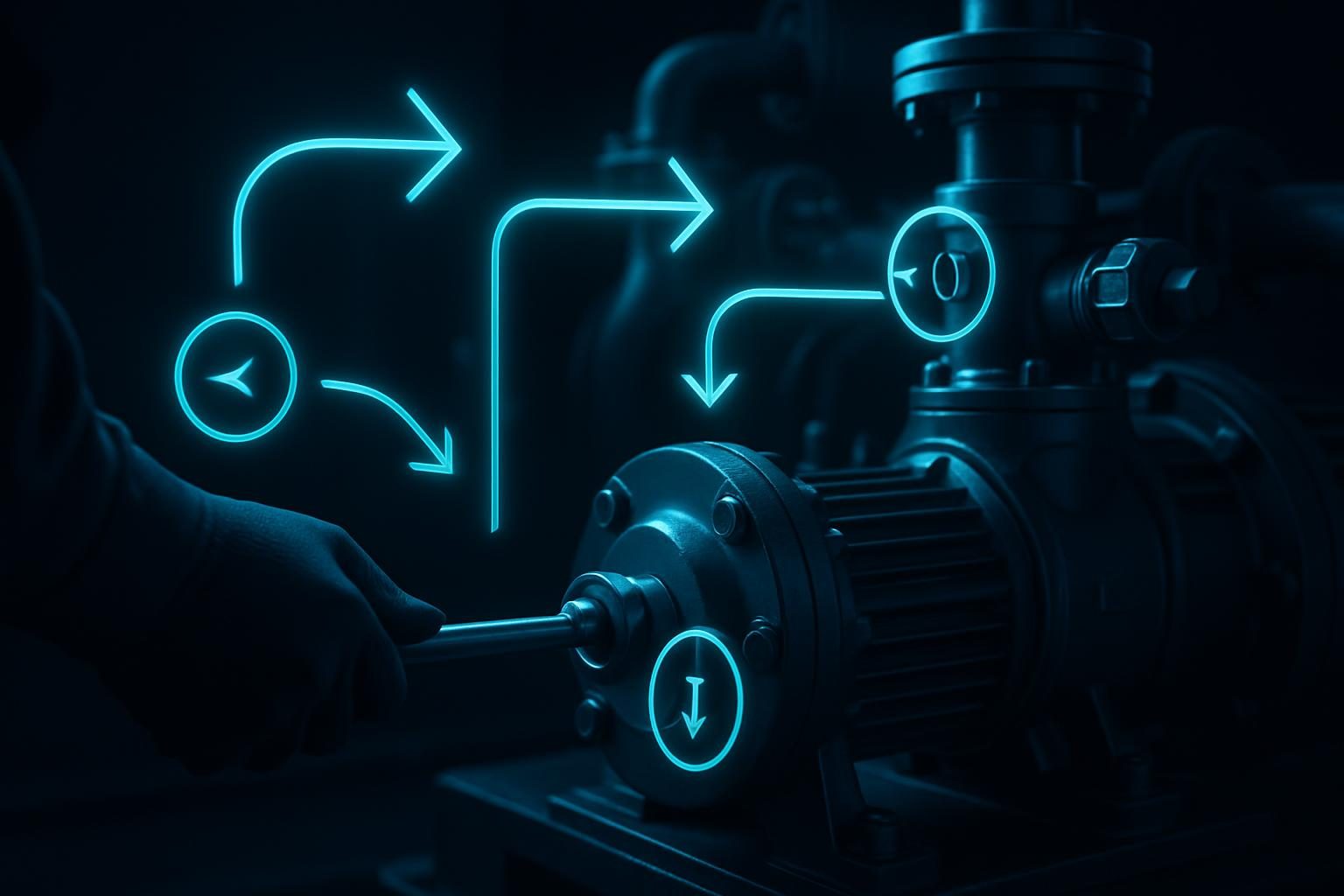
An AR work instruction system shows a worker, through a tablet, phone, or headset, exactly where the current step happens: an arrow on the correct fastener, the torque value floating beside the bolt it applies to, a highlighted connector that must be seated before the next step unlocks. It's not a PDF moved onto a screen — the defining feature is anchoring. Information is attached to the object it describes, so the translation step ("read, look up, remember, apply") disappears. If your current instructions are paper or screen-based documents, that translation step is where your errors live.
Why Errors Actually Drop
The public reference case remains Boeing, which reported that technicians assembling aircraft wiring harnesses with AR guidance completed the work roughly 25% faster with lower error rates than colleagues working from flat documentation. The mechanisms behind results like that are worth understanding, because they predict where AR will and won't help in your plant:
- Steps can't be silently skipped. The system advances one step at a time, and critical steps can require confirmation — a tap, a photo, a scanned serial — before the next appears.
- Specs live at the point of use. Nobody misremembers a torque value that is floating next to the bolt.
- Mistakes surface at the step, not at inspection. A verification gate that catches a mis-seated connector in step 9 is worth far more than a quality check that finds it after the panel is closed.
- New hires borrow experience. The instruction carries the tribal knowledge — the awkward angle, the clip that breaks if forced — that used to take months of shadowing to acquire. That's also why training time falls: guided doing beats watching.
Tablet, Phone, or Headset?
The hardware question is simpler than vendors make it. Tablets and phones win by default: cheap, rugged cases exist, IT already manages them, and for bench work a mounted tablet is excellent. Headsets earn their premium in one specific condition — both hands must stay on the work for extended periods. Harness routing, overhead assembly, confined-space maintenance: that's headset territory. Mixed fleets are common and sensible. Whatever the device, plan for gloves, noise, and lighting — the factory floor is the least forgiving UX environment there is.
Where to Deploy First
The best first candidates score high on three axes: task complexity (many steps, easy to transpose), consequence of error (scrap, rework, safety), and workforce churn (new or rotating operators). Complex final assembly, changeover procedures, and quality-critical torquing sequences are classic wins. Skip the tasks veterans do flawlessly from muscle memory — AR adds friction there, and adoption dies when the tool slows experts down. AR guidance also compounds with its neighbors: the same anchored-content approach powers AR maintenance guides for repair procedures and AR navigation in manufacturing facilities for finding the right machine in the first place — and when the instruction isn't enough, an AR remote assistance call puts an expert's eyes on the problem.
What a Rollout Involves
- Pick one procedure with measurable pain — rework rate, first-pass yield, or training days to competency.
- Capture the real procedure, not the documented one. The gap between the SOP and what good operators actually do is where half the value hides.
- Author anchored steps — from CAD models where they exist, from scans and photos where they don't.
- Pilot with mixed users: a veteran (to catch nonsense) and a new hire (to prove the training effect).
- Measure against baseline, then expand procedure by procedure — the authoring pipeline you build for the first one makes every next one cheaper.
On budget: MadXR scopes AR work-instruction projects individually, but our published pricing for adjacent builds frames the ranges — browser-based interactive experiences at $5,000–$15,000 and custom mobile applications at $20,000–$30,000. A pilot on one procedure with existing CAD assets sits toward the lower end of a project like this; multi-line rollouts with MES integration scope higher.
Frequently Asked Questions
What are AR work instructions?
AR work instructions are step-by-step task guidance displayed over the real equipment through a tablet, phone, or headset — arrows on the actual fastener, the torque spec beside the actual bolt, a confirmation check before the next step unlocks. Unlike paper or screen-based instructions, the worker never leaves the task to look things up, and the system can require verification (a photo, a scan, a measurement) at critical steps.
Do AR work instructions really reduce errors?
The best-known public evidence comes from Boeing, which reported that technicians assembling aircraft wiring harnesses with AR guidance cut production time by around 25% and lowered error rates compared to working from flat documentation. Structurally, the error reduction comes from three mechanisms: instructions appear in context so steps are not skipped, critical values are shown at the point of use so they are not misremembered, and verification gates catch mistakes at the step where they happen instead of at final inspection.
Do we need smart glasses, or can workers use tablets?
Tablets and phones are the right starting point for most plants — the hardware is cheap, familiar, already managed by IT, and fine for tasks where a worker can hold or mount the device. Headsets and smart glasses earn their premium when both hands must stay on the work for long stretches, such as wiring, assembly at height, or confined-space maintenance. Many programs run mixed fleets: tablets at benches, headsets at the stations that need hands free.
How do AR work instructions differ from digital work instructions on a screen?
Screen-based digital instructions modernize the medium but keep the core problem: the worker looks at a screen, builds a mental map, then looks back at the equipment and applies it. AR removes that translation step by anchoring the instruction to the physical object it refers to. That matters most when the equipment is complex or unfamiliar, when steps are easily transposed, and when the cost of a wrong step is high. For simple, familiar tasks a screen may be all you need — AR earns its cost as complexity and consequence rise.
Sources
- Boeing — publicly reported results from AR-guided wiring harness assembly trials: roughly 25% reduction in production time with lower error rates versus flat documentation.
- MadXR published pricing — madxr.io/pricing.html (adjacent-service ranges used as cost anchors).